Seedream 5.0 Flash AI Image Model
Test different compositions for ads, articles and product concepts.
Not available on Girlens yet
What to Create with Seedream 5.0 Flash
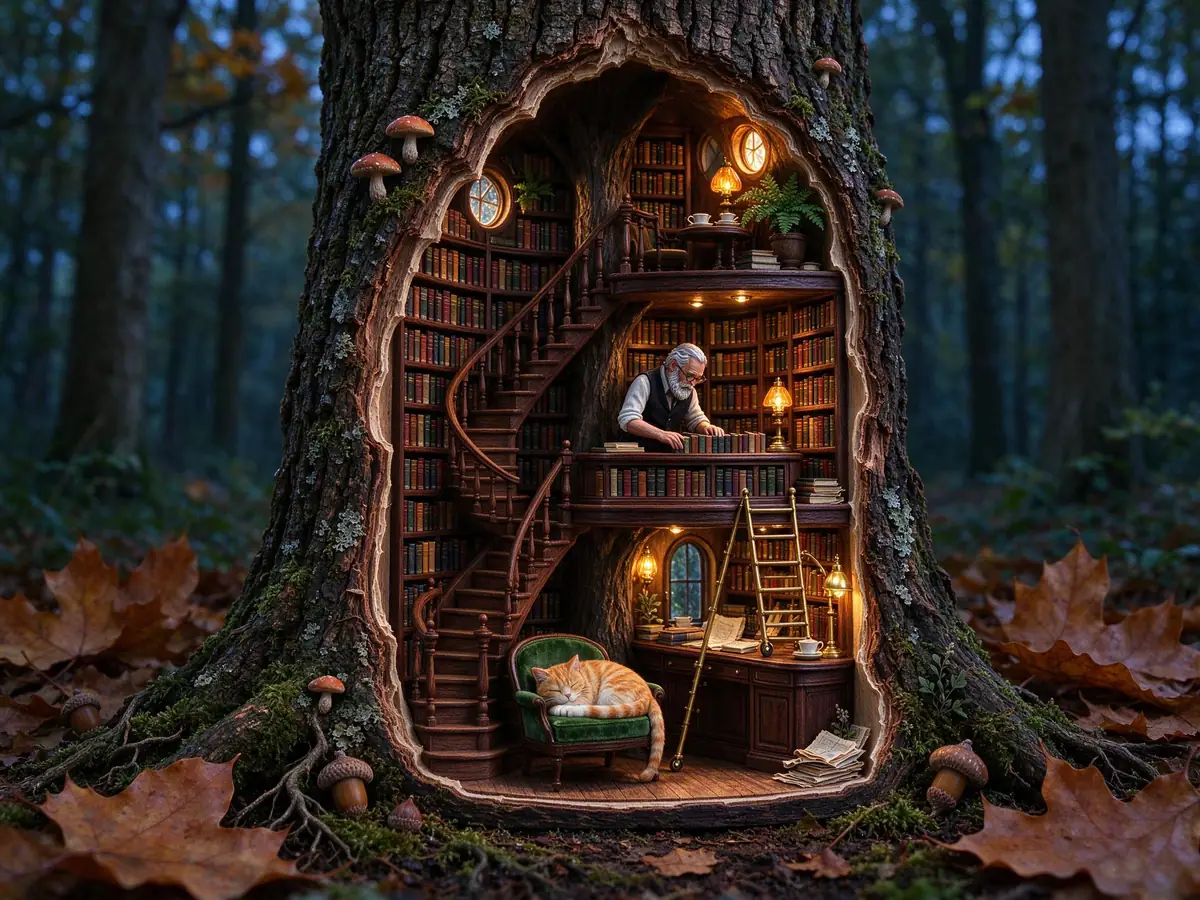
Explore more compositions
Change the framing of a miniature bookshop to compare how each crop directs attention.
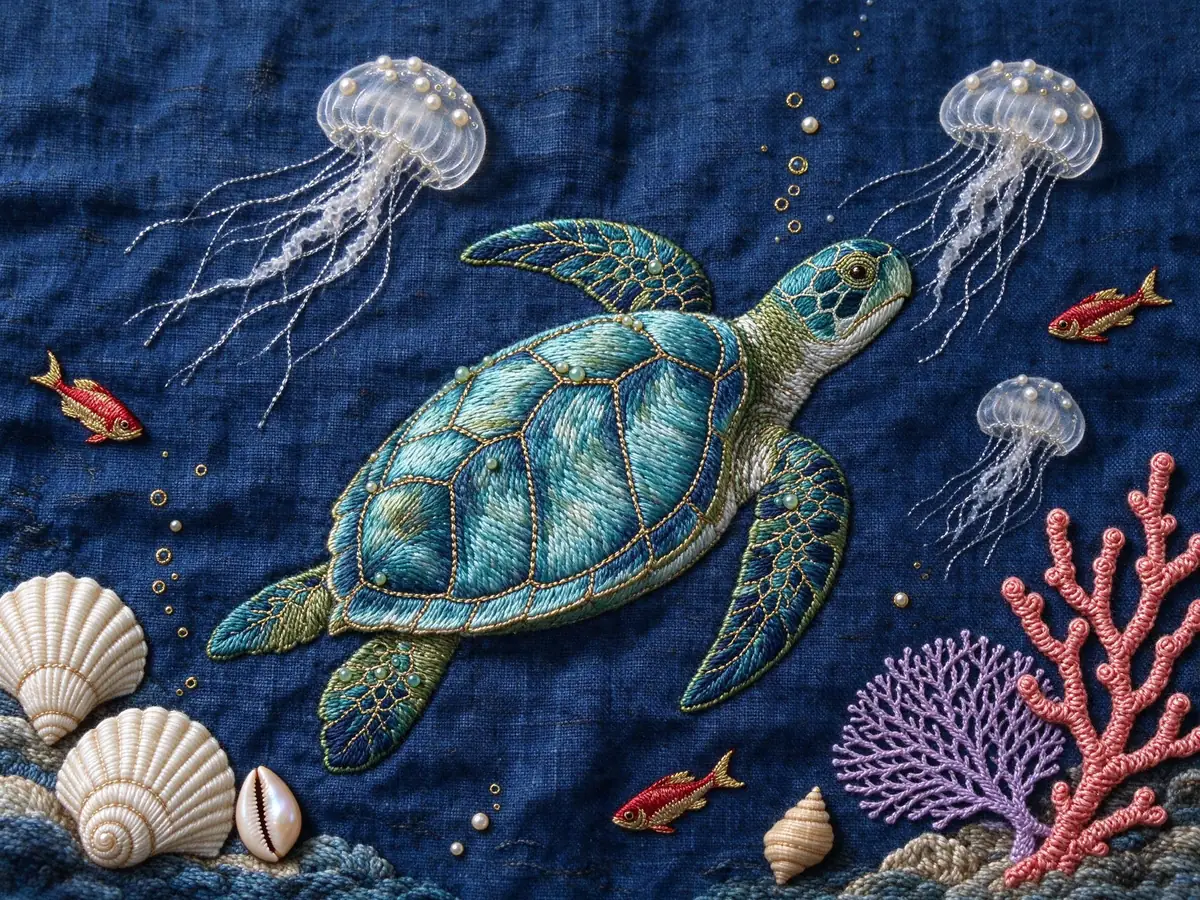
Iterate on color and texture
Specify embroidery, beads and side lighting; then revise only the palette to compare results.
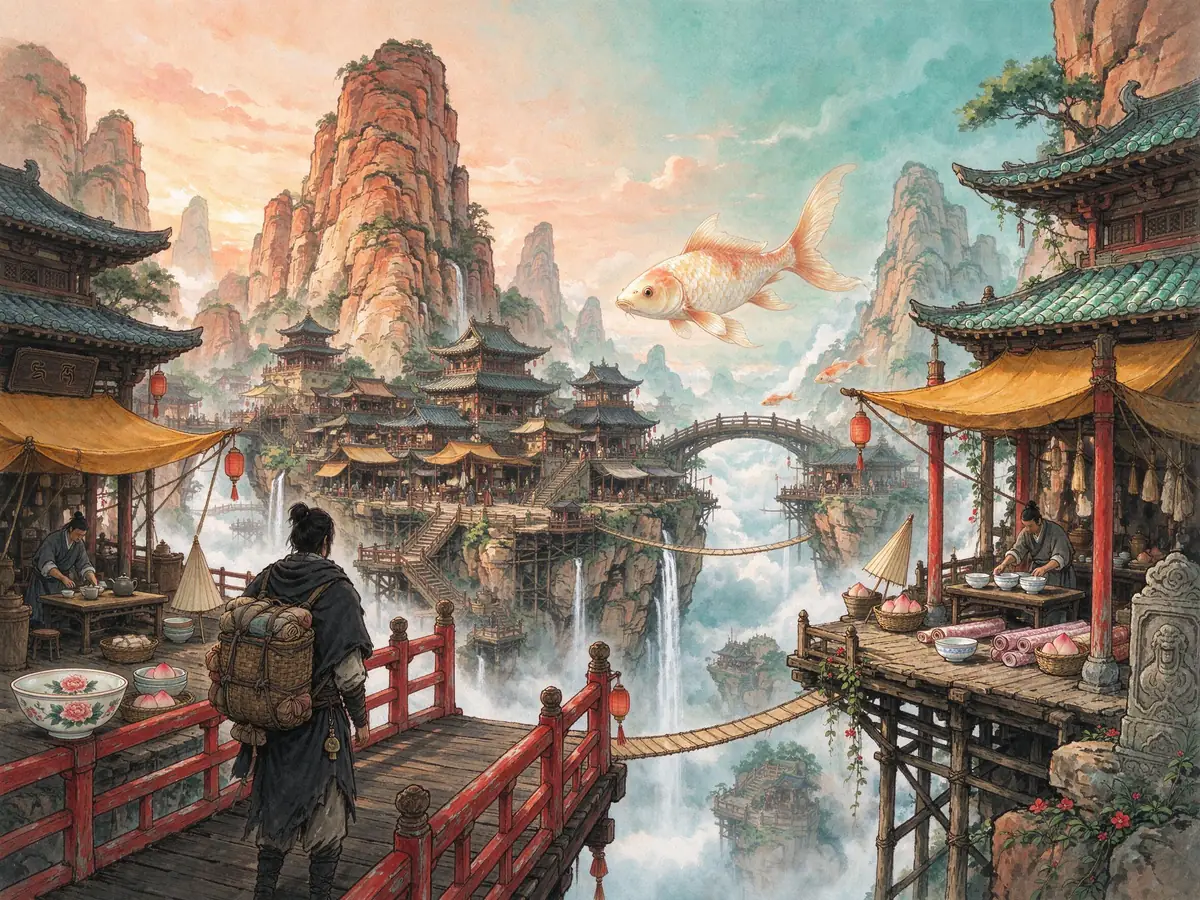
Build a scene in layers
Describe the bridge in the foreground, the market in the middle and the mountains in the distance.

Plan a graphic layout
Give the main graphic a clear position and check any requested lettering before publishing.
Start with a clearly defined scene
Define the subject, lighting and composition, then change one element at a time to compare versions. For an article illustration or product scene, specify where you need empty space.
Example Prompt
A ceramic mug beside a rainy café window, soft morning light, space on the right for a headline.
Specify the subject, composition and lighting. For a reference-led edit, say which elements must stay the same.
Explore Other Image Models
All modelsSeedream 5.0 Pro
Plan detailed commercial compositions with a clear visual hierarchy.
Not available yet
Seedream 5.0 Lite
Explore realistic scenes with atmosphere and cinematic lighting.
Not available yet
Seedream 4.5
Draft polished marketing scenes and detailed product backgrounds.
Not available yet
Seedream 4.0
Test everyday visual concepts across different crops and subjects.
Not available yet
Seedream 3.5 Pro
Plan portrait-led visuals and consistent brand treatments.
Not available yet
GPT Image 2.5
Explore reference-led product imagery and natural textures.
Not available yet
Frequently Asked Questions — Seedream 5.0 Flash
Can I use Seedream 5.0 Flash on Girlens?
This profile is available to read. Generation is not enabled for this model yet.
Can I try this prompt with another model?
Yes. Choose an available model in the directory. A reference-based prompt may also need your own image.