
Image to Image Examples
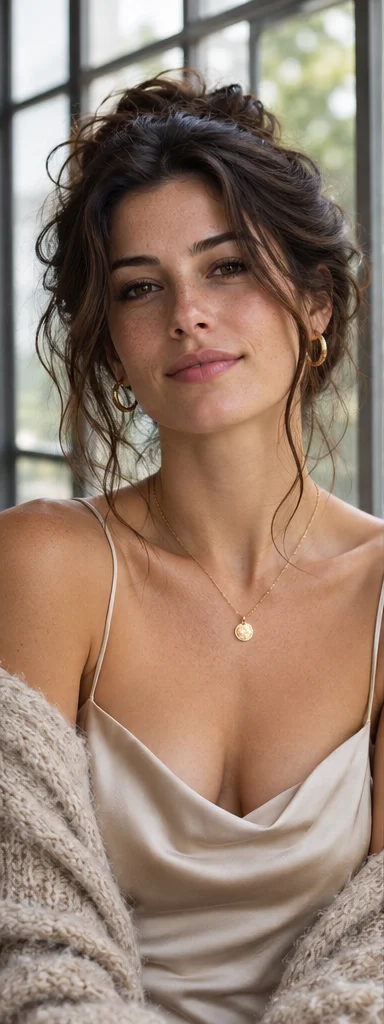
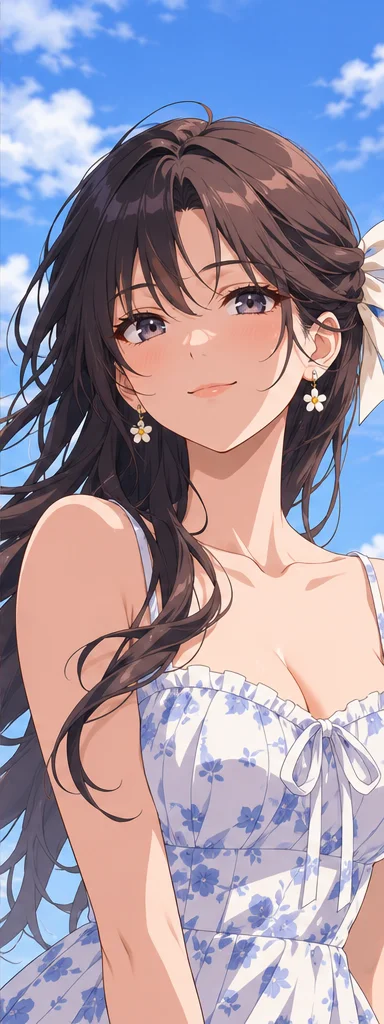
Images from Raphael AI. Try a related instruction with your own reference image.

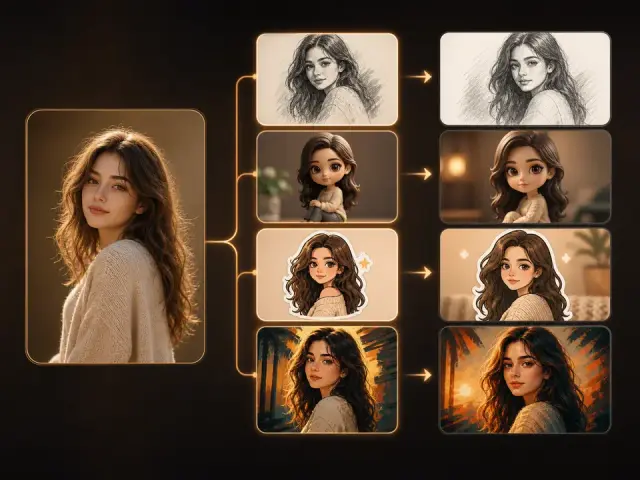
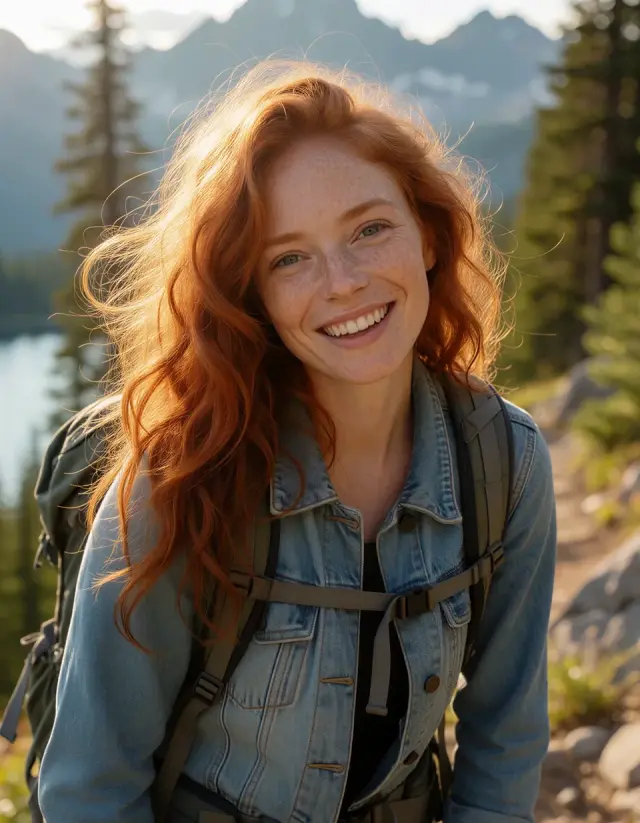
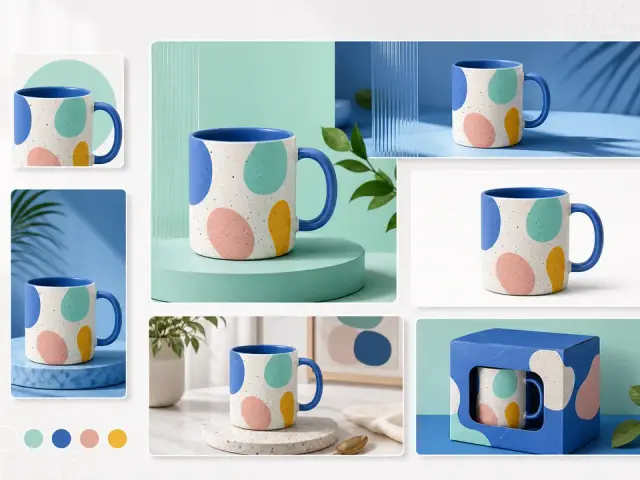
Create new versions from one reference image
Start with an example instruction
Pick a direction, then upload a reference of your own. The example fills the prompt; you can edit every word.
Keep the subject, change what matters
Name what should stay, such as the silhouette or camera angle, then specify a change to the background, light or style.
Reference details to retain + requested change + style and lighting + details to avoid
Too vague: Make this image look better.
More specific: Keep the subject and camera angle. Change the background to a pale studio wall, soften the shadows and retain the natural texture of the clothing.
Make one reference do more
Choose a clear, unobstructed reference. Tell the model which details in that image matter most, and which can change.
Make variations for the same use
Reuse the reference and vary one instruction at a time. Compare versions before using them together; details may differ.
Keep Exploring Girlens
Text to Image
Start with a text prompt instead of a reference image.
Frequently Asked Questions — Image to Image
What is AI image-to-image?
Use a reference image and a text instruction together to guide a new image.
What can it preserve from the original image?
Ask to keep the subject, pose, colors or framing. The model can use these cues, but may change details.
What is image-to-image best for?
Try a different background, lighting or illustration style, or make a variation of a product or portrait concept.
How many reference images can I upload?
Upload one JPEG, PNG or WebP image, up to 8 MB.
How do I keep a person, product or character consistent?
Start with a clear reference and specify the details to keep, such as the silhouette, product shape or clothing. Check each result for changes.
Which AI image models support reference images?
The model picker shows what is available for this workflow. Dimmed options cannot be used to generate.
Does uploading a reference use credits?
Uploading does not use generation credits. Check the credit cost shown for your selected model before you click Generate.
Can I use the result commercially or keep editing it?
Check the Terms of Service, model rules and third-party rights before publishing. You can use a result as a new reference for another generation.